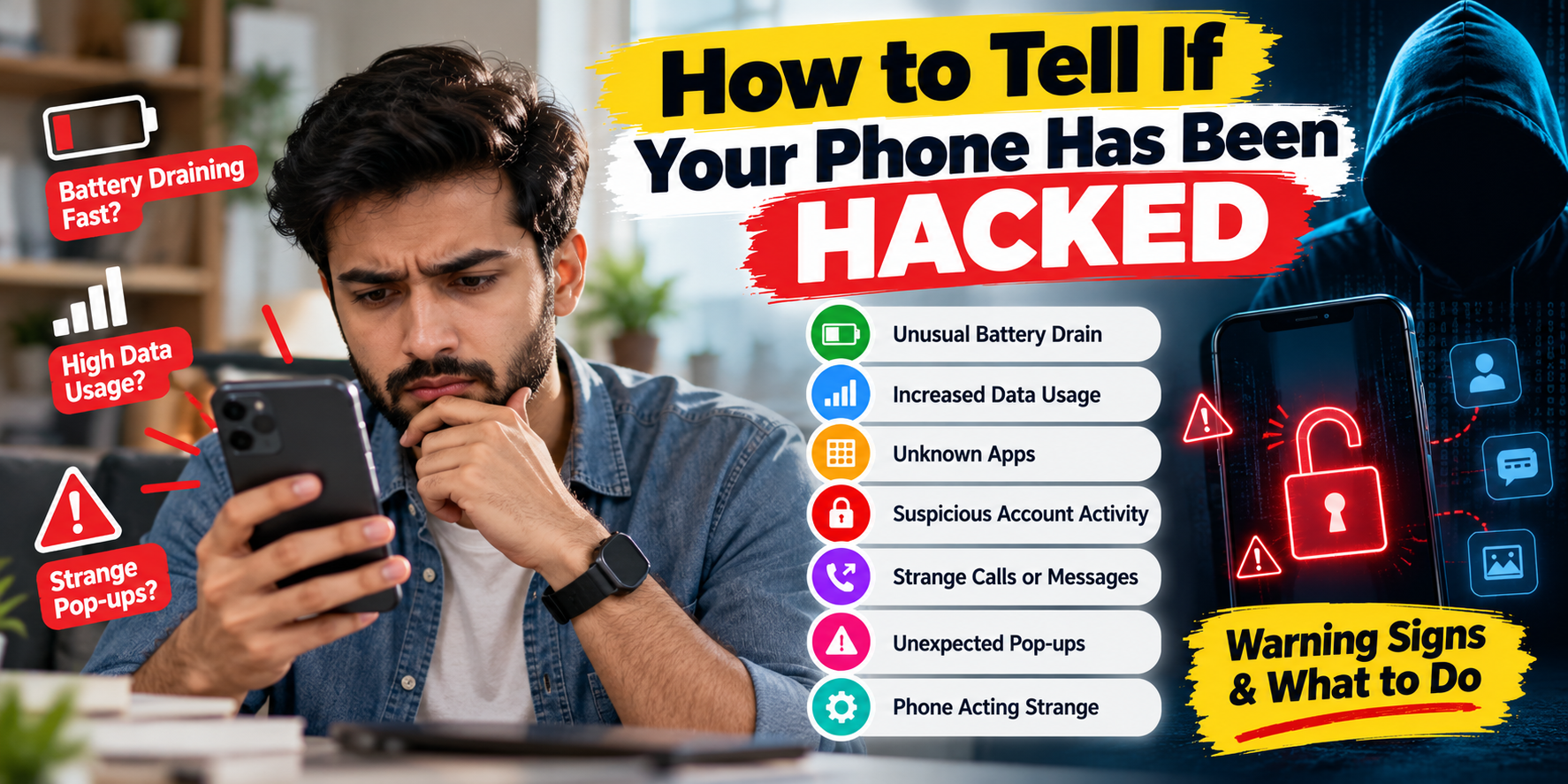
How to Tell If Your Phone Has Been Hacked: Warning Signs & What to Do
Your smartphone contains some of your most private information, including photos, messages, emails, passwords, banking apps, social media accounts, and personal documents. That makes it an attractive target for hackers, scammers, and spyware.
But how can you tell whether your phone has actually been hacked?
There is no single sign that proves a phone has been compromised. However, a combination of unusual battery drain, unexplained data usage, unfamiliar apps, unexpected account activity, strange pop-ups, or security notifications can be a reason to investigate further.
In this guide, we’ll explain how to tell if your phone has been hacked, what signs to look for on Android and iPhone, and what you should do if you believe someone has gained unauthorized access.
Can Your Phone Really Be Hacked?
Yes. Smartphones can be compromised in several ways. Attackers may use malicious apps, phishing links, stolen passwords, fake software updates, social engineering, compromised accounts, or spyware.
However, many symptoms people associate with hacking can also have normal explanations. For example, an aging battery can drain quickly, a poorly optimized app can make a phone hot, and a weak mobile signal can increase battery consumption.
Therefore, one unusual symptom alone does not necessarily mean your phone has been hacked.
10 Signs Your Phone May Have Been Hacked
1. Your Battery Is Suddenly Draining Much Faster
If your phone’s battery life suddenly becomes much worse without a change in your normal usage, check which apps are consuming the most battery.
Malicious or poorly designed apps running continuously in the background can contribute to excessive battery consumption. Spyware may also attempt to monitor activity in the background.
That said, battery degradation, high screen brightness, gaming, GPS usage, and background syncing are much more common explanations.
2. Your Phone Is Getting Hot When You’re Not Using It
A smartphone that becomes unusually warm while sitting idle deserves investigation.
Background applications, video processing, location services, downloads, system updates, or malware can cause increased processor activity.
Check your battery or app-usage settings to identify applications that are consuming unusually high resources.
3. Your Mobile Data Usage Has Suddenly Increased
An unexpected increase in mobile data usage can be another warning sign.
Some malicious software may communicate with external servers or upload information in the background. However, automatic photo backups, video streaming, app updates, cloud synchronization, and social media can also cause large increases in data consumption.
Look at your phone’s mobile-data usage by app and investigate anything unfamiliar or unusually active.
4. You See Apps You Don’t Remember Installing
Check your installed applications regularly. If you discover an app you don’t recognize, investigate it before opening or granting it additional permissions.
On Android devices, Google Play Protect can scan applications for potentially harmful software and may warn about or remove harmful apps. Google also recommends caution when installing apps from sources outside Google Play.
On an iPhone, review the applications installed on the device and remove anything you don’t recognize or no longer need.
5. Your Accounts Show Activity You Didn’t Make
This is one of the more important signs to investigate.
Look for:
- Messages you didn’t send
- Emails you didn’t write
- Social media posts you didn’t create
- Unknown devices signed into your accounts
- Password-change notifications you didn’t request
- Purchases you don’t recognize
- Unexpected two-factor authentication codes
Apple specifically lists unfamiliar sign-ins, unexpected two-factor authentication codes, unknown trusted devices, unauthorized messages, changed account information, and unfamiliar purchases among signs that an Apple Account may have been compromised.
6. Your Password Suddenly Doesn’t Work
If you suddenly can’t access an important account even though you haven’t changed the password, someone may have changed your credentials.
This doesn’t necessarily mean the phone itself has been hacked. Your password could have been stolen through phishing, a data breach, password reuse, or another compromised account.
If you regain access, immediately change the password, sign out of other sessions, check recovery information, and enable two-factor authentication.
7. You Receive Unexpected Verification Codes
Receiving a login or verification code that you didn’t request can be an important warning sign.
It may mean someone is attempting to sign into one of your accounts using your phone number, email address, or password.
Never share a verification code with someone who calls or messages you claiming to be customer support.
8. Strange Pop-Ups or Redirects Appear
Unexpected advertisements, browser redirects, fake virus warnings, or repeated pop-ups can indicate a malicious application or compromised browser experience.
Don’t click suspicious warnings telling you that your phone has a virus or that you must immediately install a security application. Scammers frequently use alarming messages to persuade people to install malicious software or provide personal information.
9. Your Phone Behaves Strangely
Watch for unexplained behavior such as:
- Apps opening without you touching them
- Unexpected restarts
- Settings changing without your permission
- The camera or microphone behaving unexpectedly
- Unknown accessibility services being enabled
- Unusual permissions being granted
- Calls or messages appearing that you didn’t make
Again, these symptoms can have harmless technical causes, so investigate before concluding that your phone has been hacked.
10. Someone Knows Private Information They Shouldn’t Know
If someone knows your precise location, private conversations, browsing activity, or other information that they shouldn’t have access to, spyware or unauthorized account access could be a possibility.
The FTC notes that stalkerware can potentially allow someone to monitor location, messages, emails, photos, online activity, and other information. It can also be difficult to detect.
How to Check If Your Android Phone Has Been Hacked
If you use Android, start with these checks:
Check Installed Apps
Go through your installed applications and look for anything unfamiliar. Pay particular attention to apps installed around the time you first noticed suspicious behavior.
Run Google Play Protect
Open the Google Play Store and use Play Protect to scan your applications. Google says Play Protect checks for potentially harmful apps and can warn about or remove them.
Check App Permissions
Review which apps have access to sensitive features such as:
- Camera
- Microphone
- Location
- Contacts
- SMS
- Phone calls
- Files and photos
If an unfamiliar application has access to sensitive information, investigate it and remove the permission or app if appropriate.
Check Battery and Data Usage
Look for applications consuming unusually high amounts of battery or mobile data while you aren’t actively using them.
Install Android and Security Updates
Keep Android, security patches, and applications updated. Security updates frequently contain fixes for vulnerabilities that could otherwise be exploited.
How to Check If Your iPhone Has Been Hacked
iPhones also need regular security checks, particularly if you suspect that someone has gained access to your Apple Account.
Check Your Apple Account Devices
Review the devices associated with your Apple Account. If you see a device you don’t recognize, investigate it and remove it if necessary.
Apple recommends checking your account information and removing unfamiliar devices if you believe your account has been compromised.
Review Installed Apps
Look through your iPhone’s applications and remove anything you don’t recognize.
Check Privacy Permissions
Review which apps have access to your camera, microphone, location, photos, contacts, and other sensitive information.
Use Apple’s Safety and Security Features
If you suspect that someone has access to your Apple Account, change your password and review your account’s security information. Apple also recommends keeping software updated and using a strong device passcode.
What to Do If You Think Your Phone Has Been Hacked
1. Disconnect From the Internet if Necessary
If you believe malicious software is actively communicating with an attacker, temporarily turning off Wi-Fi and mobile data can help limit communication while you investigate.
2. Change Important Passwords
Start with your most important accounts:
- Google or Apple Account
- Banking
- Payment apps
- Social media
- Cloud storage
Use a different, strong password for each important account.
3. Enable Two-Factor Authentication
Two-factor authentication provides an additional layer of protection even if someone obtains your password. The FTC recommends enabling two-factor authentication for important accounts such as email, banking, payment services, and social media.
4. Sign Out of Unknown Devices
Check the security or account settings of your important services and remove devices or sessions that you don’t recognize.
5. Remove Suspicious Apps
Uninstall applications that you don’t recognize or that you believe may be malicious. Be careful not to remove critical system applications unless you know exactly what they do.
6. Update Your Phone
Install the latest available operating-system and security updates. The FTC recommends keeping operating systems and apps updated because updates can contain important security protections.
7. Contact Your Bank If Financial Information May Be Exposed
If you notice unauthorized transactions or believe your banking credentials may have been exposed, contact your bank or payment provider immediately using an official phone number or app.
8. Consider a Factory Reset
If you strongly suspect malware or spyware and normal troubleshooting hasn’t resolved the issue, a factory reset may be appropriate.
Before resetting, make sure important photographs, contacts, documents, and other data are backed up. After resetting, install system updates and only reinstall applications you trust.
Does Fast Battery Drain Mean Your Phone Is Hacked?
Not necessarily.
Battery drain is one of the most commonly mentioned signs of a hacked phone, but it has many ordinary causes. An aging battery, high screen brightness, GPS, gaming, background synchronization, poor cellular reception, and demanding applications can all reduce battery life.
Battery drain becomes more concerning when it occurs together with other signs, such as unexplained data usage, unknown apps, unusual account activity, or unexpected security notifications.
Does Your Phone Getting Hot Mean It Has Been Hacked?
Not automatically.
A phone can become hot because of gaming, video recording, charging, navigation, direct sunlight, background updates, or demanding applications.
However, if the phone is repeatedly overheating while idle and you also notice unexplained battery or data usage, investigate which applications are running in the background.
How to Prevent Your Phone From Being Hacked
- Keep your phone’s operating system updated.
- Install apps only from trusted sources.
- Review app permissions regularly.
- Use a strong screen lock.
- Use unique passwords for important accounts.
- Enable two-factor authentication.
- Don’t click unexpected links in texts or emails.
- Don’t share verification codes.
- Keep regular backups of important data.
- Review account login activity periodically.
- Remove apps you no longer use.
- Avoid connecting to suspicious public Wi-Fi networks.
The FTC recommends keeping software updated, using strong passwords and two-factor authentication, protecting your phone with a passcode, and being cautious about suspicious links and attachments.
Final Thoughts
Knowing how to tell if your phone has been hacked can help you react before a small security problem becomes a serious one.
Look for combinations of unusual behavior rather than relying on one symptom. Unexpected account activity, unknown applications, unexplained data usage, suspicious permissions, unauthorized purchases, and unfamiliar login notifications deserve particular attention.
If you believe your phone or an important account has been compromised, act quickly: secure your accounts, change passwords, enable two-factor authentication, remove suspicious applications, update your device, and contact your bank or service provider if financial information may be involved.
Most importantly, don’t panic because your phone is slow, warm, or losing battery quickly. These symptoms often have ordinary technical explanations. The key is to investigate multiple warning signs and take sensible security precautions.