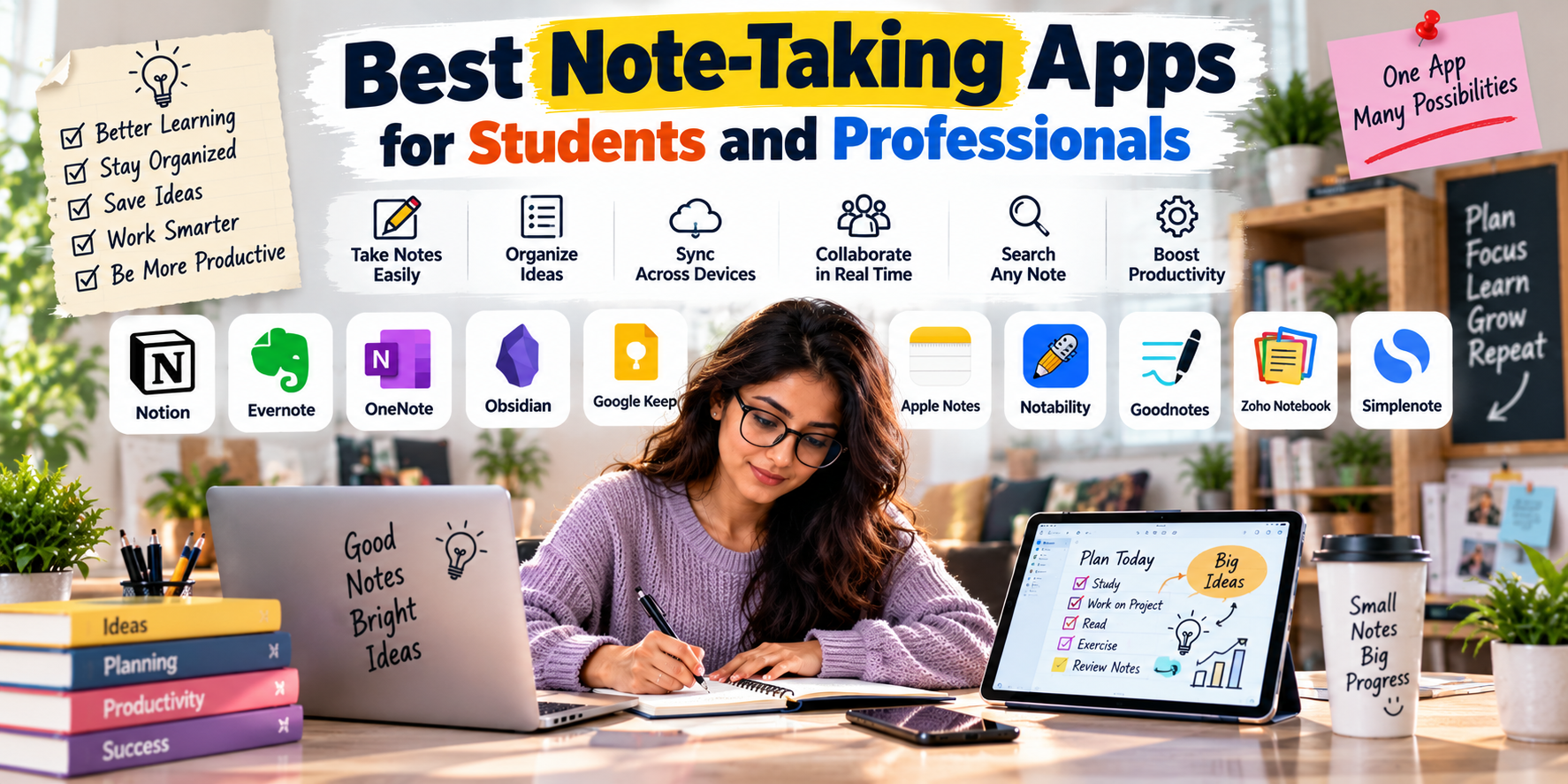
Best Note-Taking Apps for Students and Professionals in 2026
Taking notes has changed dramatically. Instead of carrying notebooks everywhere, students and professionals can now organize lectures, meetings, research, ideas, documents and daily tasks inside a single app.
But with so many options available, choosing the best note-taking app can be surprisingly difficult. Some apps are designed for simple notes, while others combine documents, databases, calendars, tasks, handwriting, PDFs, collaboration and AI features.
In this guide, we compare some of the best note-taking apps for students and professionals in 2026, including Notion, Microsoft OneNote, Obsidian, Evernote, Goodnotes, Notability, Google Keep and Apple Notes.
Quick Answer: Which Note-Taking App Is Best?
There is no single note-taking app that is perfect for everyone. The best choice depends on how you take notes and what you need to do with them afterward.
- Best overall: Notion
- Best for students: Microsoft OneNote
- Best for handwritten notes: Goodnotes
- Best for connected knowledge: Obsidian
- Best for professionals: Notion
- Best for meetings: Evernote
- Best for Apple users: Apple Notes
- Best for quick notes: Google Keep
- Best for iPad lecture notes: Notability
1. Notion – Best Overall for Students and Professionals
Notion has become one of the most versatile productivity and note-taking platforms. Instead of simply storing notes, it allows users to create pages, databases, task lists, project trackers, wikis and knowledge systems.
For students, Notion can be used to organize subjects, lecture notes, assignments, study schedules and revision material. Professionals can use it for meeting notes, project documentation, company wikis and content planning.
Why Choose Notion?
- Flexible pages and databases
- Templates for different workflows
- Task and project management
- Team collaboration
- Useful for building personal knowledge systems
- AI-powered productivity features
Best for: Students, freelancers, entrepreneurs, teams and professionals.
2. Microsoft OneNote – Best for Traditional Digital Note-Taking
Microsoft OneNote is an excellent choice for people who want the flexibility of a digital notebook. It allows users to create notebooks, sections and pages and supports typed notes, images, lists, links, drawings and digital handwriting.
OneNote is particularly useful for students because notebooks can be organized by subject or course. Professionals can use it for meetings, research, project documentation and personal notes.
Microsoft also highlights features such as digital ink, collaboration, search and voice transcription, while OneNote integrates closely with the Microsoft ecosystem.
Why Choose OneNote?
- Excellent notebook-style organization
- Good handwriting and drawing support
- Works across multiple devices
- Useful for education
- Supports collaboration
- Strong Microsoft 365 integration
Best for: Students, teachers, Microsoft 365 users and professionals.
3. Obsidian – Best for Building a Personal Knowledge Base
Obsidian takes a different approach to note-taking. Instead of simply organizing notes into folders, it allows users to link ideas and create a connected network of information.
This makes it particularly interesting for students, researchers, writers, developers and professionals who want to build a long-term personal knowledge base.
Why Choose Obsidian?
- Linked notes
- Markdown-based writing
- Knowledge management
- Graph-style visualization of connected notes
- Highly customizable
- Excellent for long-term research
Best for: Researchers, writers, developers, students and knowledge-focused professionals.
4. Evernote – Best for Organized Research and Professional Notes
Evernote is designed around capturing and organizing information. It can be useful for professionals who collect documents, research material, meeting notes, web information and project-related content.
Its organizational approach makes it particularly useful if you regularly save large amounts of information and need to find it later.
Why Choose Evernote?
- Organized notebooks and notes
- Useful for research
- Document and information management
- Searchable notes
- Useful for professional workflows
Best for: Professionals, researchers and people who manage large collections of information.
5. Goodnotes – Best for Handwritten Notes and PDFs
Goodnotes is particularly popular among students who use tablets and styluses. It provides a digital notebook experience that feels closer to writing on paper.
It can be useful for handwritten lecture notes, PDF annotation, diagrams, study material and digital planners.
Goodnotes’ own 2026 student guide highlights handwritten and typed notes, PDFs, lecture audio and AI study features as part of its current offering.
Why Choose Goodnotes?
- Handwritten note-taking
- PDF annotation
- Digital notebooks
- Useful with stylus-enabled devices
- Study-focused features
- Good for visual learners
Best for: College students, iPad users, medical students and visual learners.
6. Notability – Best for Lecture Notes
Notability is another popular option for students who want to combine handwriting, typing, documents and lecture-related material.
It is particularly useful when your note-taking involves more than simply typing paragraphs. Students can combine written notes with diagrams, annotations and other study material.
Apple’s student-app collection currently highlights Notability and Goodnotes among apps designed for note-taking and studying.
Why Choose Notability?
- Handwritten notes
- PDF annotation
- Useful for lectures
- Digital notebooks
- Good tablet experience
Best for: Students, iPad users and people who prefer handwritten digital notes.
7. Google Keep – Best for Quick Notes and Reminders
If you don’t need a complicated knowledge-management system, Google Keep can be a great choice for quick notes, lists, reminders and ideas.
It works particularly well for capturing information quickly rather than building large research databases.
Why Choose Google Keep?
- Simple interface
- Quick note creation
- Checklists
- Reminders
- Easy for short notes
- Useful for everyday tasks
Best for: Students, professionals and anyone who wants simple notes without unnecessary complexity.
8. Apple Notes – Best for Apple Users
Apple Notes is a convenient option for people already using an iPhone, iPad or Mac. Because it is built into Apple’s ecosystem, it can be useful for quickly capturing ideas, lists, documents and personal information.
It is especially attractive if you want a straightforward note-taking experience without installing a separate productivity platform.
Why Choose Apple Notes?
- Integrated into Apple devices
- Simple and fast
- Useful for text and lists
- Good for quick information capture
- Convenient synchronization across Apple devices
Best for: iPhone, iPad and Mac users.
Best Note-Taking Apps Compared
| App | Best For | Major Strength |
|---|---|---|
| Notion | Students & professionals | All-in-one organization |
| OneNote | Students & Microsoft users | Digital notebooks |
| Obsidian | Researchers & knowledge workers | Linked knowledge |
| Evernote | Professionals | Information organization |
| Goodnotes | Students & iPad users | Handwriting and PDFs |
| Notability | Students | Lecture and handwritten notes |
| Google Keep | Everyone | Quick notes and reminders |
| Apple Notes | Apple users | Simple ecosystem integration |
Best Note-Taking Apps for Students
Students should choose an app based on how they actually study rather than simply choosing the app with the longest feature list.
For Typed Notes
Notion, OneNote and Obsidian are strong options for students who primarily type their notes.
For Handwritten Notes
Goodnotes and Notability are particularly useful for students who use an iPad or another stylus-enabled device.
For Research
Obsidian is worth considering if you want to connect ideas and build a long-term knowledge base.
For Simple Notes
Google Keep or Apple Notes may be enough if you simply need a fast way to capture ideas and reminders.
Best Note-Taking Apps for Professionals
Professionals often need more than simple note-taking. Meeting notes, project documentation, research, task management and collaboration can all influence which app is most useful.
- Project management: Notion
- Microsoft workplace: OneNote
- Research: Obsidian
- Information management: Evernote
- Quick notes: Apple Notes or Google Keep
What Features Should You Look for in a Note-Taking App?
1. Cross-Device Sync
If you use multiple devices, make sure your notes are accessible where you actually work and study.
2. Search
A good search system becomes increasingly important as your collection of notes grows.
3. Organization
Look for folders, notebooks, tags, links, databases or other systems that match how you naturally organize information.
4. Handwriting Support
If you use a tablet and stylus, handwriting and PDF annotation can be more important than advanced databases.
5. Collaboration
Professionals working in teams may benefit from shared notes, comments and collaborative editing.
6. AI Features
AI features can help with summarization, organization, brainstorming and other workflows, but they should complement your note-taking system rather than become the only reason you choose an app.
How to Choose the Best Note-Taking App for You
Ask yourself these five questions before choosing an app:
- Do I mostly type or handwrite?
- Do I need to annotate PDFs?
- Do I need project and task management?
- Do I need my notes on multiple platforms?
- Will I use the app for quick notes or long-term knowledge management?
Your answers will usually narrow the options quickly.
Should You Use One Note-Taking App or Multiple Apps?
For most people, using one primary note-taking system is easier. Having notes scattered across several apps can make information harder to find.
However, there are situations where two apps make sense. For example, a student might use Goodnotes for handwritten lecture notes and another platform for organizing long-term projects and assignments.
The key is to have a clear reason for using each app rather than collecting applications without a defined workflow.
Final Thoughts
The best note-taking app for students and professionals depends on your workflow, device ecosystem and the type of information you need to manage.
Notion is an excellent all-round option for people who want notes, databases and productivity tools together. OneNote is a strong choice for traditional digital notebooks and Microsoft users. Obsidian is ideal for connected knowledge, while Goodnotes and Notability are excellent choices for handwritten and tablet-based study.
For quick everyday notes, Google Keep and Apple Notes may be all you need.
Instead of choosing an app simply because it has the most features, choose the one that makes it easier for you to capture, organize, find and use your information.